Forgot User ID
* Mandatory Fields
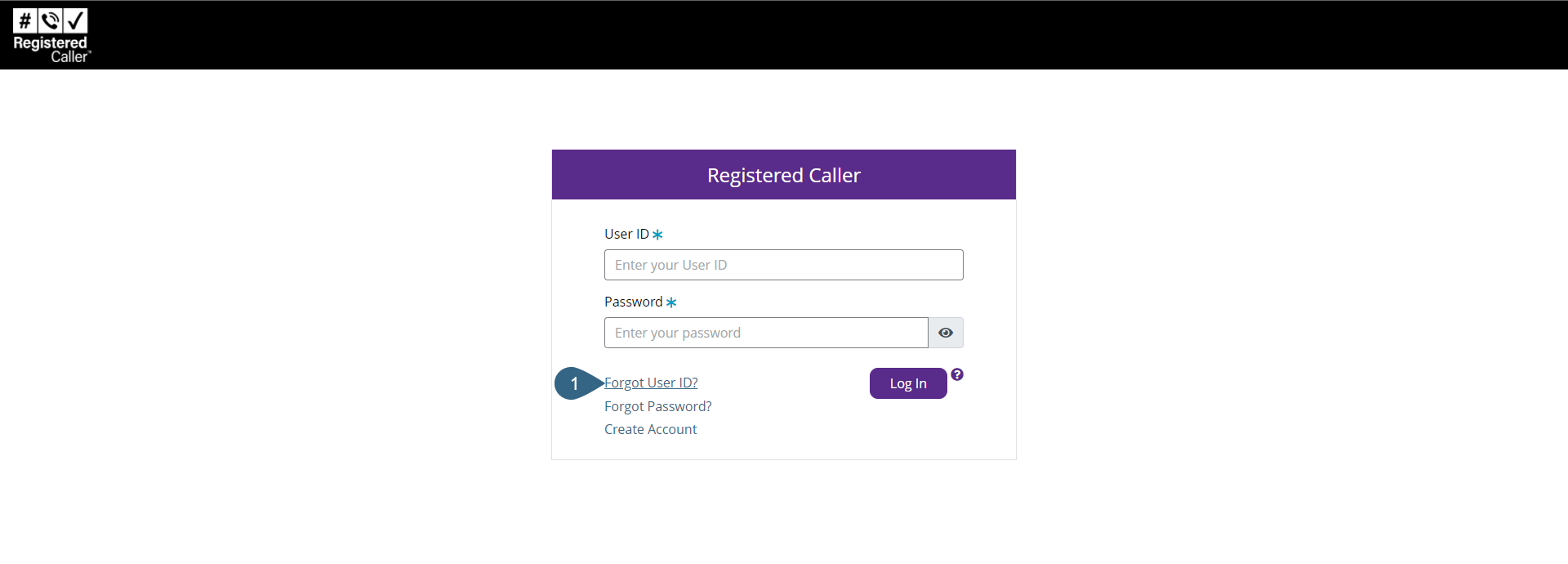
- If you forgot your User ID, click the Forgot User ID? link in the login page.
- In the Forgot User ID dialog, enter your email address associated with the forgotten User ID in the Email Address * field.
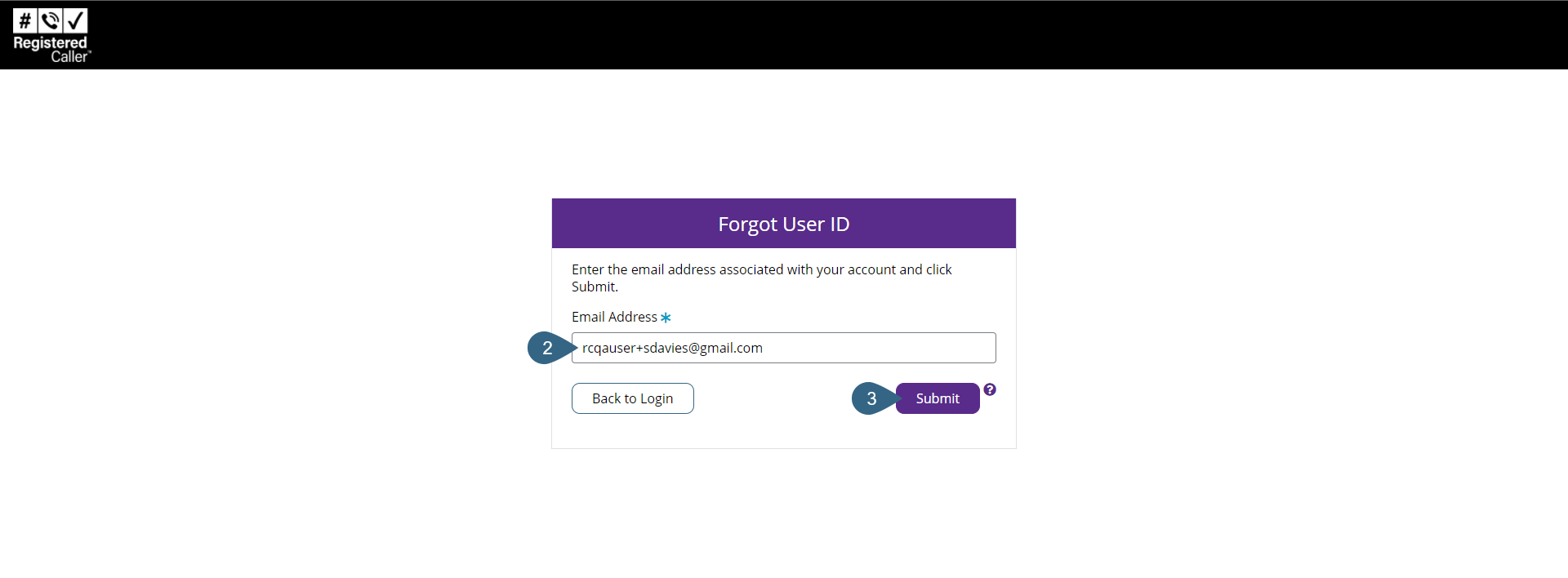
- Click Submit.
If the entered email address is associated with the User ID, a message displays indicating the User ID will be sent to an email address on file.
Notes:
- If the user enters an email address that is not in a valid format, a validation error message displays.
- If the entered email address is associated with the first user for the account, and that user has never verified their email address, the Verification Code email is generated and sent to the email address.
- If the entered email address is associated with a pending user (i.e., one that has not created credentials), the Add User Signup email is generated and sent to the email address.
- If the entered email address is not associated with any user, no email is generated.
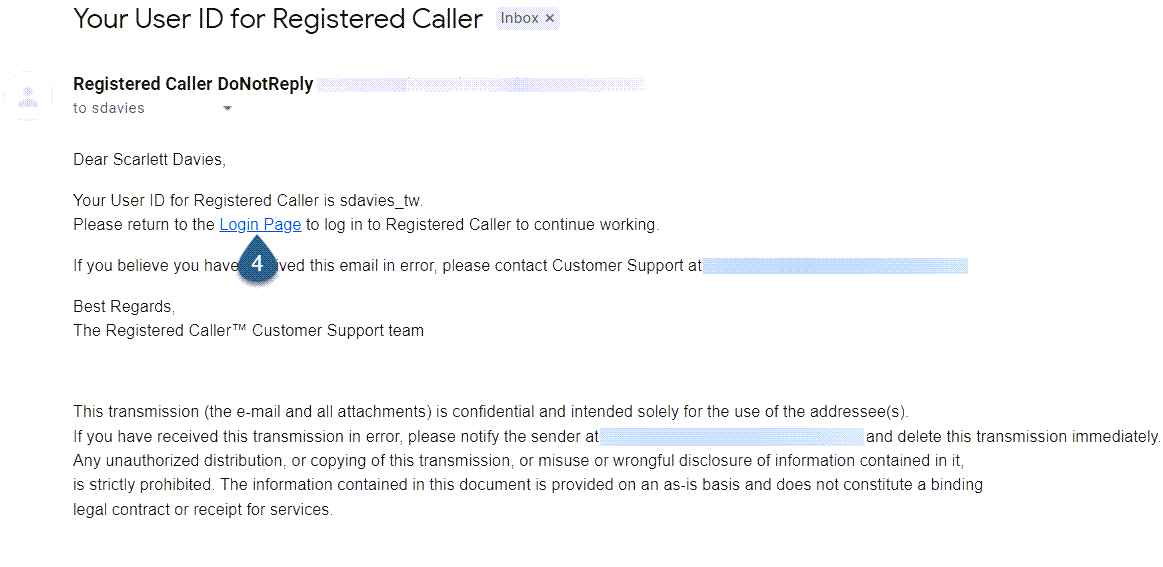
- Open the email containing the User ID and then click the email's Login Page link to return to the login pages.
- Log into Registered Caller with your User ID and Password.